How Much Did I Make This Month Freelancing? A Monthly Profit Check
How much did I make this month freelance? Track invoices received, expenses paid, and month-end cash profit with a clear Notion or spreadsheet routine.
By Notion Freelancer OS by Cosmo Suite · Editorial policy
Published · 7 min read

If you are asking “how much did I make this month freelance?”, start with money that actually arrived, then subtract business expenses you actually paid. Keep invoices you sent but have not collected in a separate outstanding total. This gives you a useful cash check without confusing billed work with money available in your account.
The word “profit” can mean different things in bookkeeping and tax reporting. This guide uses monthly cash profit as a simple planning measure: client payments received during the month minus business expenses paid during the month. It is not a tax calculation. Accounting methods and local rules can treat timing differently, so use a qualified professional for formal reporting.
| What you want to know | Count it in this month’s cash check? | Keep it in a separate field? |
|---|---|---|
| Client payment that arrived | Yes, as cash received | Invoice and payment dates |
| Invoice sent but not paid | No | Yes, as outstanding |
| Business expense paid | Yes, subtract it | Receipt or record location |
| Expense you expect to pay later | No | Yes, as due or planned |
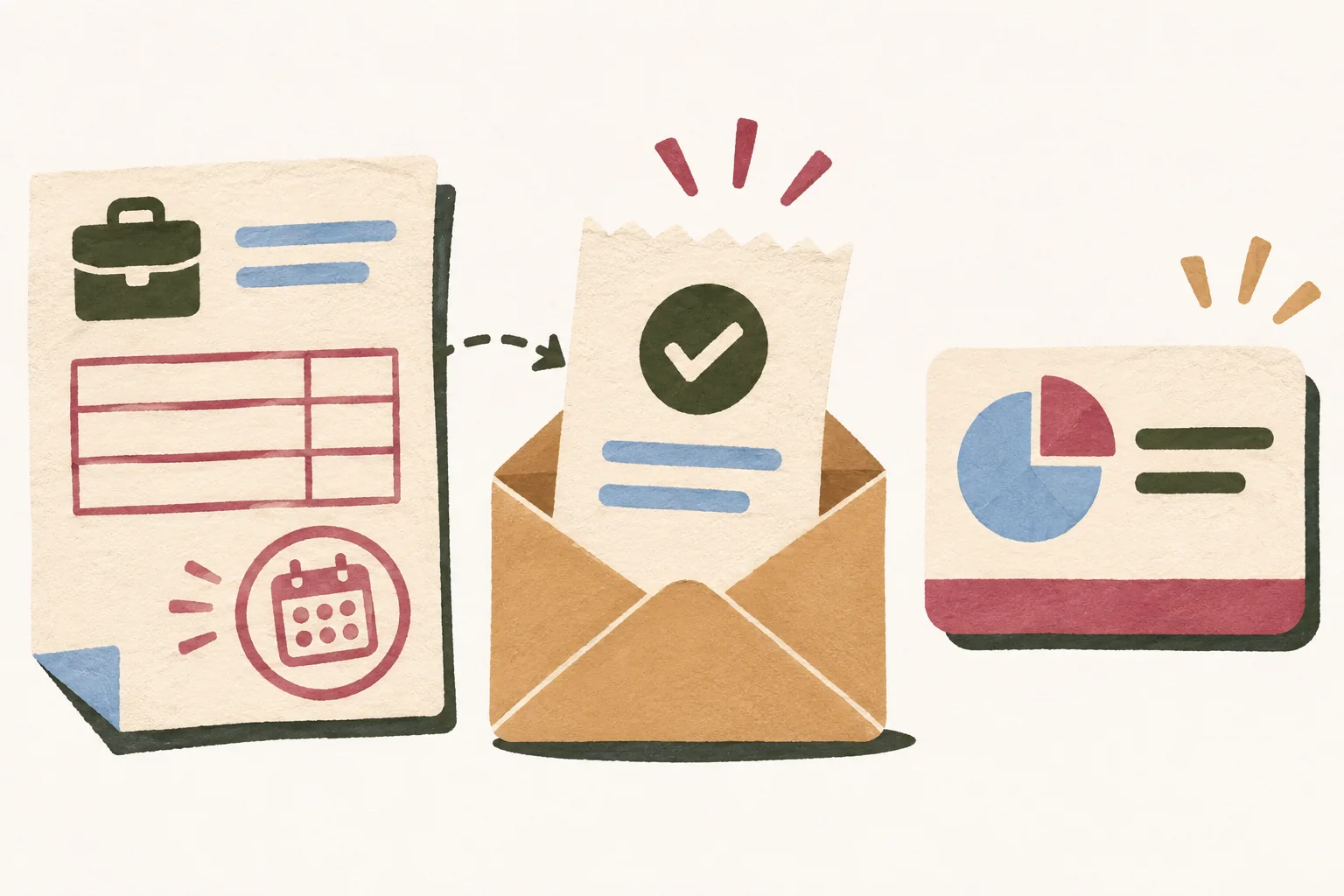
The simple formula for a freelance month
For a cash snapshot, subtract expenses paid from payments received:
Monthly cash profit = client payments received − business expenses paid
Use one consistent date rule. For example, count payments that cleared between the first and last day of the month, and expenses that left your account during those dates. Then compare the total with your bank or payment records. This is a planning view of cash movement, not a statement of taxable income.
Keep three figures side by side:
- Billed: invoice amounts you issued during the month.
- Collected: client payments that arrived during the month.
- Outstanding: the unpaid balance on invoices, including older invoices.
Those figures answer different questions. Billed tells you what you asked clients to pay. Collected tells you what reached you. Outstanding shows the follow-up work still open. If you track only invoices sent, a busy month can look stronger than the cash you have available.
If you want a system that keeps invoice status beside client and project details, Notion Freelancer OS includes invoice and income records with monthly and yearly profit-versus-target tracking. You can also use a basic spreadsheet if you need only a few columns.
For a fuller look at how the workspace sections fit together, see the Notion Freelancer OS freelancer template guide.
Work through a made-up month
Suppose a freelancer receives $3,200 from clients during April and pays $600 in business expenses during April. The cash check is $3,200 minus $600, or $2,600.
Now suppose the freelancer also sends a $900 invoice on April 28, but the client pays it in May. That $900 belongs in April’s billed total and outstanding balance. It does not belong in April’s collected total under this cash check. When the payment arrives in May, record it in May’s collected amount and mark the invoice paid.
When your invoice total is higher than your payments for the month, check the outstanding list. An invoice may still be waiting on a client, a payment processor, or a correction. The list shows which balance needs attention without adding it to cash received.
| April example | Amount | Where it goes |
|---|---|---|
| Payments received | $3,200 | April collected |
| Expenses paid | $600 | April expenses |
| Cash profit check | $2,600 | $3,200 − $600 |
| Invoice sent, due in May | $900 | April billed and outstanding |
The numbers are illustrative only. They do not represent a typical freelance month, a tax result, or an expected outcome.
Set up records that answer the question
Keep invoice records and expense records distinct. They have different fields and date rules, and combining them into one amount column can make month-end totals hard to audit.
Invoice and payment fields
For each invoice, record the client or project, invoice number, date issued, due date, original amount, payment received to date, and status. If an invoice is paid in parts, a payment log can hold each payment date and amount. The remaining balance is the invoice amount minus the payments recorded against it.
Avoid relying on a single “paid” checkbox if a client can pay in installments. A $1,000 invoice with a $400 deposit still has a $600 outstanding balance. The record should show that clearly.
Expense fields
For each business purchase, keep the transaction date, amount, category, short description, and where its receipt or source record is stored. Add a note if a charge is mixed personal and business use, but do not decide tax treatment from the tracker alone. Ask a tax professional what records and treatment apply to you.
If you use a Notion database, its properties can store dates, numbers, select options, and formulas. Database views can filter and group entries, so you could make a month view for payments received and another for expenses paid. View settings apply to that view, so check the filter when you duplicate or change a view. Notion’s database property guide and view guide explain these features.

A freelance invoice tracker in Notion can keep invoice status and payment history visible; a freelance income tracker template can help you organize received income and monthly targets. Choose one source of truth for each amount, and record an update when the transaction occurs.
Close the month with a short reconciliation
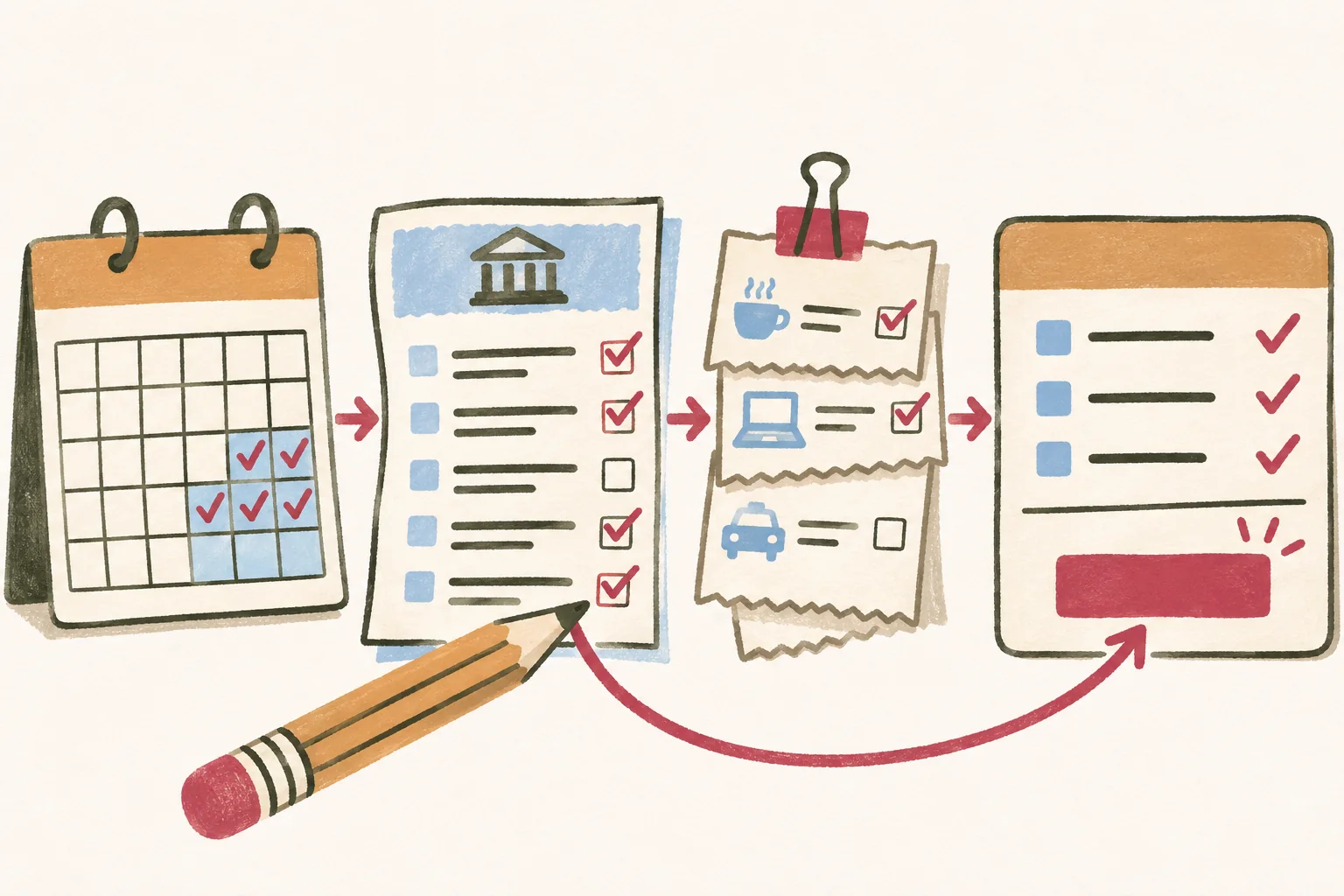
Use the same sequence every month so you can find missing or duplicated entries:
- Choose the date range. Write down the month start and end dates. Use the same rule each time.
- Check money received. Compare invoice payment entries with your bank and payment service records. Record partial payments as separate entries.
- Check expenses paid. Match each expense record to a bank, card, or cash transaction. Note missing receipts or records for follow-up.
- Review outstanding invoices. Filter for unpaid balances and check due dates. Decide whether a polite reminder or another action is appropriate.
- Calculate the cash check. Subtract expenses paid from client payments received. Do not add unpaid invoices to the cash total.
- Save a month-end snapshot. Keep the totals and date range together so next month’s changes do not rewrite the prior month’s view.
A month-end total should be traceable to its records. If it looks wrong, check the entries before changing them. A duplicate payment or a missing expense can change the result, so keep a snapshot of the date range and totals. If you already track work by client or project, Notion Freelancer OS keeps project, invoice, income, and expense records in one workspace. You still enter transactions and compare them with your financial records.
Use Notion Freelancer OS as a record hub
Notion Freelancer OS includes invoice, income, expense, and monthly or yearly profit-versus-target tracking. You can use those records to review amounts and statuses in one place. The workspace does not sync with a bank, send payment reminders, process transactions, or decide which accounting treatment applies to you.
When you set up a month-end view, decide which date it uses. A payment record should use the date the money arrived for a cash check. An invoice can keep both its issue date and its due date. An expense can keep the transaction date, plus a separate category. A filtered database view can then show the records for one month without changing their underlying entries.
Before relying on a total, compare its source records with your bank, card, and payment service history. If your process includes several currencies, multiple businesses, or partial refunds, define how you will record those cases before you combine them. Clear rules make two months easier to compare.
What the monthly total can and cannot tell you
The cash check is useful for looking at money received and paid during a period. It can help you spot a low-collection month, a large expense, or invoices that need attention. You can compare it with your own target, but it cannot tell you by itself whether a client will pay, whether work is profitable after every cost, or how much tax you owe.
For formal accounts, keep the records your accountant or local authority requires. In the United States, the IRS Schedule C instructions describe reporting business income and expenses for a sole proprietor, but this article does not interpret those rules for your situation. Tax treatment depends on your facts and accounting method. Review the official Schedule C instructions and consult a qualified tax professional when you need advice.
If the cash total is below your target, check payments collected, expenses paid, and invoices still unpaid separately. One month is a snapshot, not a prediction of future income.
Why trust this article
This guide uses the records a freelancer can check directly: invoices, payment dates, expenses, and transaction records. The example is labeled as made up and does not claim a typical result. Notion feature descriptions were checked against Notion’s official help pages on database properties and views on November 5, 2026. The IRS source is included only as a pointer to official instructions, not as personalized tax advice.
Notion Freelancer OS is published by Cosmo Suite. We publish the Notion Freelancer OS editorial policy and contact information for corrections or questions. The template organizes records; it does not process payments, contact clients, or determine tax treatment.
Key takeaways
- For a simple monthly cash check, subtract expenses paid from client payments received.
- Keep billed, collected, and outstanding amounts separate.
- Reconcile each total against the underlying transaction records.
- Treat this as a planning snapshot, not a tax calculation or forecast.
Frequently asked questions
How do I calculate my freelance profit for the month?
For a simple cash check, subtract business expenses paid during the month from client payments received during the same month. Keep unpaid invoices separate. This is a tracking estimate, not a tax calculation.
Should I count an invoice when I send it or when it is paid?
Track both dates and amounts. An invoice you sent is billed income, while a payment you received is cash collected. Which amount belongs in formal accounts can depend on your accounting method and local rules.
Do I include an unpaid invoice in monthly profit?
Keep unpaid invoices visible in an outstanding balance, but do not count them as cash received in a cash-in/cash-out check. Use the method your accountant recommends for formal reporting.
What expenses should freelancers track?
Record business purchases with the date, amount, category, and receipt location. Whether a purchase is deductible depends on your circumstances and local tax rules, so confirm that with a qualified tax professional.
Can I track freelance income in Notion?
Yes. A Notion database can hold invoice and payment records, and views can filter or group those records. You still need to enter and check the source information yourself.
How often should I review freelance income and expenses?
A monthly review gives you a consistent snapshot. Update records when money moves, then compare your month-end totals with bank or payment records before relying on them.
