Freelance Invoice Tracker in Notion: Track What's Owed
freelance invoice tracker notion: set up useful invoice fields, record partial payments, spot overdue amounts, and plan clear follow-ups in Notion.
By Notion Freelancer OS by Cosmo Suite · Editorial policy
Published · 9 min read
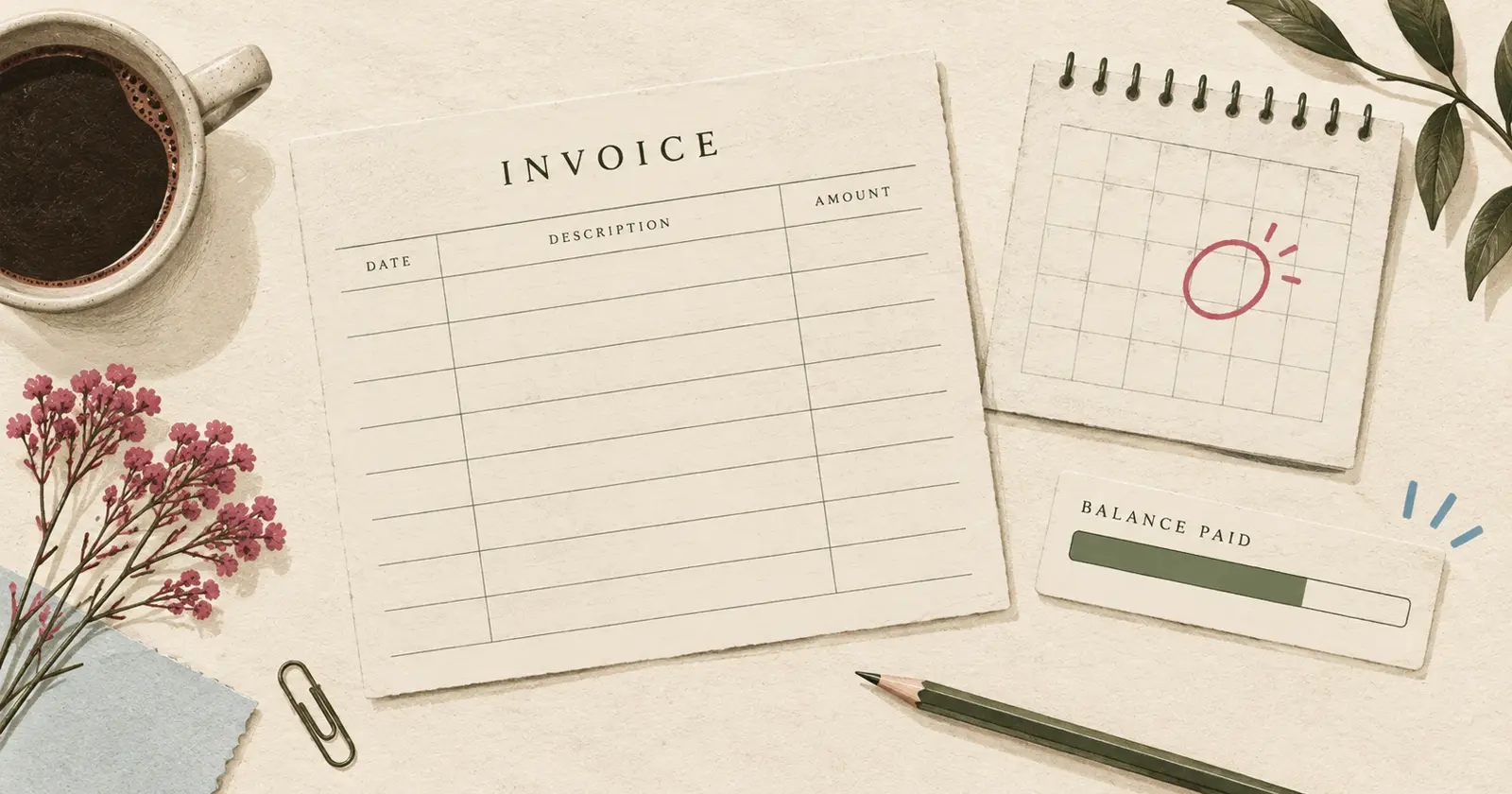
Use one row per invoice and keep its due date, original amount, amount received and next action together. Then you can see what is still open and what needs attention.
Notion can organize those records. Your invoicing or payment service remains the place to issue the invoice and confirm that money arrived. After you verify a payment, update the tracker so its balance and status match the source record.
The sections below cover invoice fields, partial payments and follow-ups. They also show when a one-row tracker needs a separate payment log, and where a Notion freelancer template for clients, projects and finances can fit.
Key Takeaways
- Keep one record for each invoice.
- Store the original amount separately from money received.
- Use a due date, status and next action together.
- A Notion reminder is for you, not an automatic message to the client.
- Add a payment log when one invoice can have several receipts.
Build one row around a payment question
An invoice tracker is a record of invoices, due dates, payment progress and next actions. It should answer three questions quickly: what did you send, when is it due, and what remains unpaid? Add one row when you issue an invoice and keep its reference, client, date and amount tied to the source document.
Notion calls the columns in a database properties. Its database introduction explains that each database item is also a page, with properties for details such as dates and status. You can use text, number, date, select, formula and URL properties for invoice details. These are suggested fields for a tracker you build or adapt. They are not a description of every field in Notion Freelancer OS.
| Field | Suggested property | What it helps you check |
|---|---|---|
| Invoice reference | Text or title | Find the same invoice in your invoicing tool |
| Client | Text or relation | Identify who owes the payment |
| Project | Text or relation | Connect the invoice to the work |
| Issue date | Date | See when you sent or recorded it |
| Due date | Date | Sort upcoming and late follow-ups |
| Original amount | Number, formatted as currency | Preserve the amount on the invoice |
| Received to date | Number, formatted as currency | Record money confirmed so far |
| Status | Select | Mark draft, sent, partial, paid or on hold |
| Next action | Text | Name the next step and who owns it |
| Invoice file or link | Files or URL | Open the original document when checking |
Start with the fields you use every week. If you do not track projects in the same database, leave that field out. If your invoicing service already stores the source file, a link may be enough.
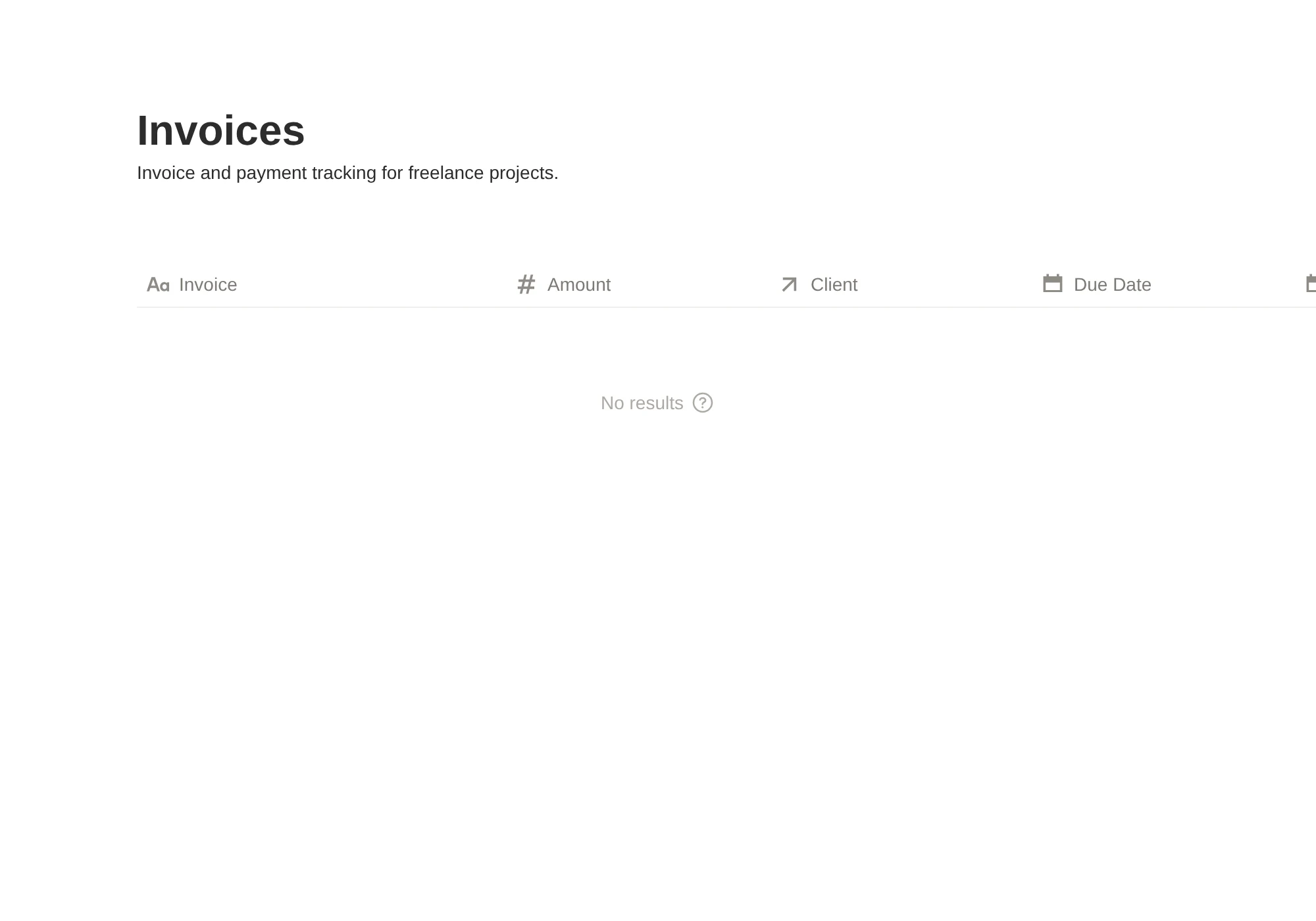
The supplied Notion Freelancer OS includes invoice records within its finance area. This capture shows the database's actual fields in an empty state. It contains no sample invoices or payment results.
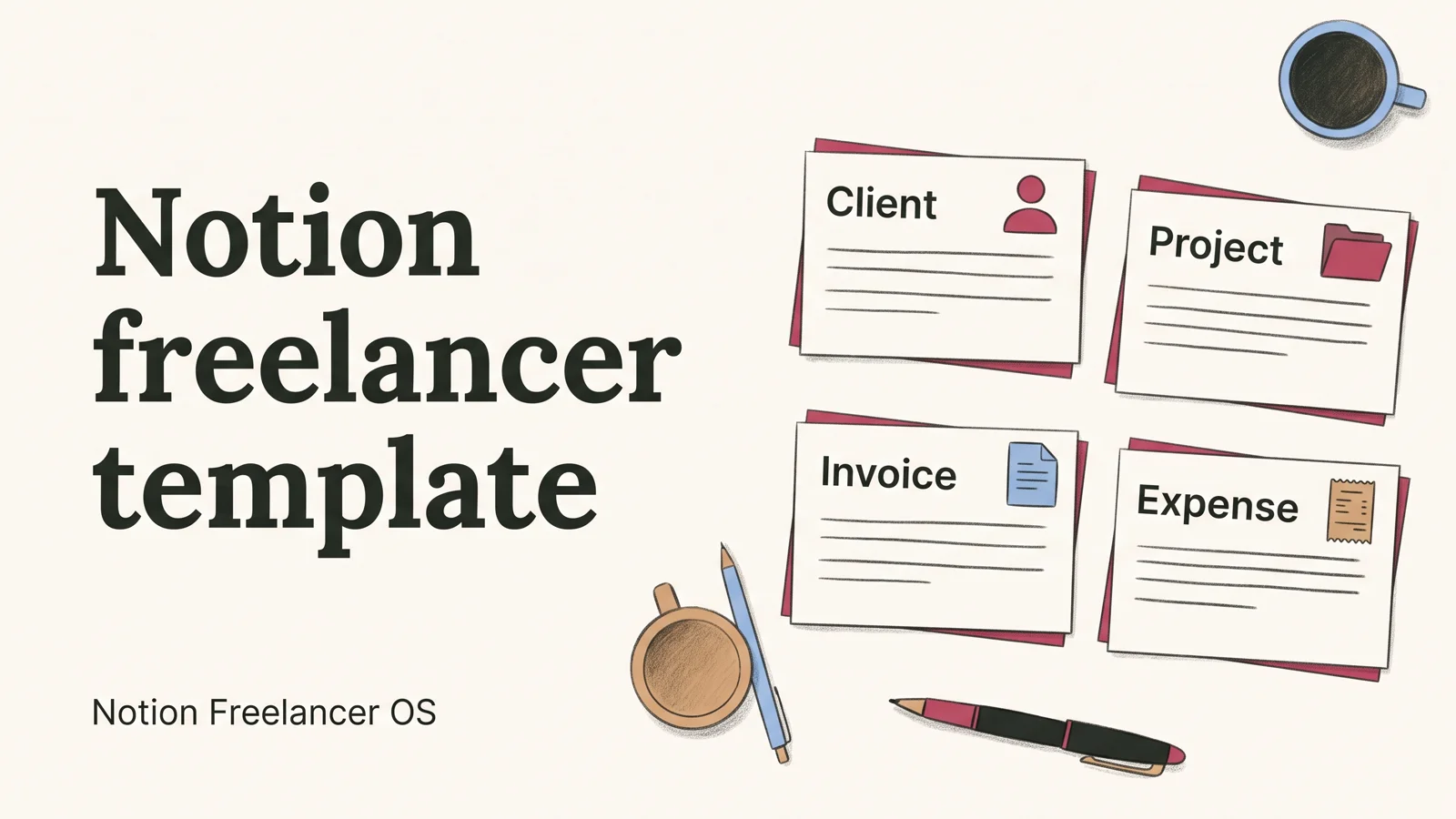
If you want client, project and finance records already grouped in Notion, Notion Freelancer OS provides a starting workspace.
Choose an invoice tracker that fits your payment pattern
Use the simplest structure that preserves the payment history you need. One amount-paid field is easy to maintain for a single payment. A separate payment log is clearer when you receive several instalments against one invoice.
| Structure | What you record | Best for |
|---|---|---|
| Basic invoice register | One invoice row, due date and paid or unpaid status | Invoices usually paid in one transfer |
| Register with balance | One invoice row, original amount and paid-to-date amount | Occasional deposits or partial payments |
| Invoice and payment log | One invoice row plus a separate row for each receipt | Several instalments, refunds or payment dates to reconcile |
A payment log is a separate record for each payment against an invoice. Notion's relations and rollups guide explains how linked databases can connect records and summarize related values. Add a separate payment database when you need to find each receipt later. It can hold the invoice reference, receipt date, amount and payment source. Connect those entries to the invoice if you want to see a total alongside the payment history.
If you use a single paid-to-date field, update it from the receipt you confirmed. Keep a separate note or source record when you need to explain how the total changed. That preserves context when a client pays in more than one part.
Use statuses and dates to make follow-up visible
Status and due date answer different questions. Status tells you where the invoice sits in your process. The date tells you when the next review or action should happen.
A short status list could be Draft, Sent, Partially paid, Paid and On hold. Use the same meaning every time. For example, Sent means you have issued the invoice; Partially paid means some money has arrived and a balance remains. Mark an invoice Paid only after checking the payment source.
You can add an Overdue formula or status, but it needs careful handling. A due date can pass while a payment is in transit or while you have not updated the record. Check the bank or payment service before contacting the client. Keep the original status visible if a formula labels a record as overdue.
Notion's database properties guide describes number, date, status, formula and URL properties. Its reminders guide explains that you can set a reminder on a date property. That reminder brings the item back to your workspace. It does not send a payment request or follow-up email to a client.
If you calculate a balance or date flag with a formula, test records with no payment, a partial payment, a full payment and a blank due date. Notion's formula reference lists the functions and operators available. Keep a manual check in your routine until the result matches your source records.
Track a partial payment without hiding the balance
Store the invoice amount and the amount received to date in separate number fields. The remaining balance is the invoice amount less the confirmed payments. Update the received field only after you verify the deposit.
Hypothetical example: an invoice is for $1,200. The client pays $400, so the tracker should still show an original amount of $1,200, received to date of $400 and an outstanding balance of $800. If the client later pays $300 more, received to date becomes $700 and the remaining balance becomes $500.
Keep the due date and status alongside those numbers. The first part-payment does not mean the invoice is complete. Keep it marked Partially paid until the balance is received or you record another agreed outcome. This avoids a paid label hiding money that is still due.
For several instalments, write a separate payment record for each receipt. A single total tells you how much arrived; separate entries show when it arrived and which receipt you checked. A relation can connect each receipt to its invoice, and a rollup can summarize related amounts. Those are Notion database features, not a claim that the supplied template preconfigures this payment log.
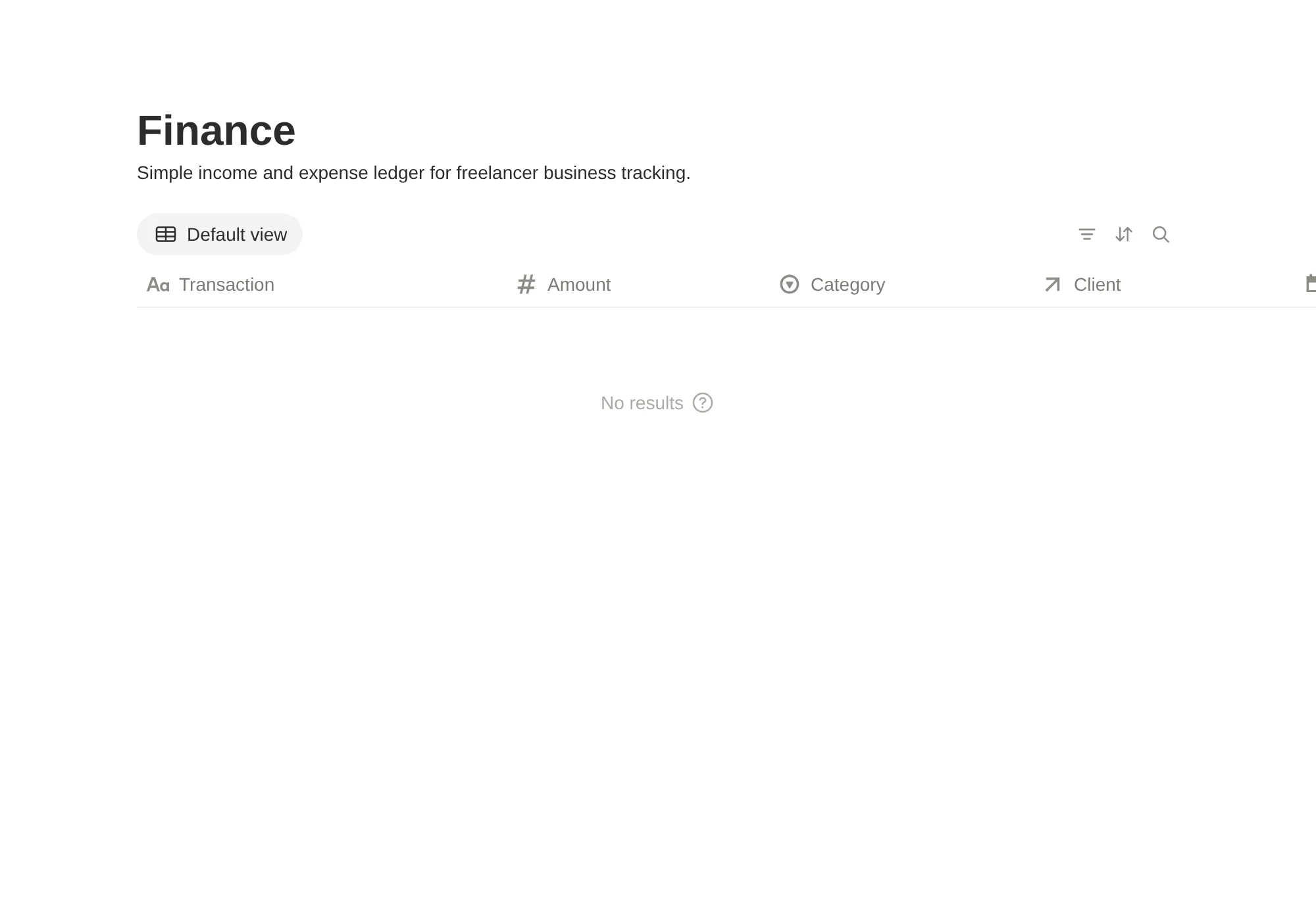
The real finance database screenshot shows the supplied empty income and expense ledger. The separate invoice database holds invoice-specific details. The example amounts above are hypothetical and are not shown in either screenshot.
Build views around the next action
A database view is a filtered or sorted display of records from the same database. Create a small set of views that makes the next review easier without creating a second invoice record.
| View | Suggested filter or sort | Question it answers |
|---|---|---|
| Open invoices | Status is Sent or Partially paid | What still needs a payment check? |
| Due soon | Due date is within your chosen review window; status is not Paid | What should I review next? |
| Past due | Due date has passed; status is not Paid | Which records need verification? |
| Paid | Status is Paid; sort by payment date if you record one | What has been reconciled? |
Choose the date window that matches how you work. Keep a full register view with no filters so you can compare it with your source records. If an invoice disappears from a filtered view, check the status and date before adding a second row.
Notion's views, filters, sorts and groups guide explains how filters and sorts are set for a database view. Each view can have its own settings, so a filter in Past due does not change the full register.
Each view should lead to an action. If an invoice needs a payment check, write that in Next action. If the client has paid, confirm the receipt and change the status. A clear tracker can save you from re-reading old messages to remember what happened.
Turn invoice status into a next action
Pair each open status with a next action you can complete. Sent may mean check the payment on the due date. Partially paid may mean record the latest receipt and review the balance. Past due may mean verify the account, then contact the client through your usual invoicing or email channel.
Write the action as a verb and keep it specific: confirm deposit, resend invoice, ask about payment timing or mark paid after reconciliation. Avoid a note such as Follow up without a date or owner. It does not tell you when to return or what to do.
During a weekly review, check open invoices against the payment source, update amounts received, and set the next action for anything still outstanding. You can keep those records in a Notion workspace arranged for freelance projects and finances, while the invoicing service remains the source for what was sent and the bank or payment service remains the source for what arrived.
A tracker can help you notice a missing update. It cannot confirm a deposit on its own or decide what message a client should receive.
Why Trust This Article
Notion Freelancer OS is published by Cosmo Suite, which built the template. Product details here are limited to its supplied contents list. Platform behavior is checked against Notion's own database, view, formula and reminder documentation. We do not claim that the template sends invoices, processes payments or contacts clients. Read About Cosmo Suite for publisher information, use our contact page for corrections, and see the editorial policy for how we prepare articles.
When Notion Freelancer OS is a fit
Notion Freelancer OS can suit a solo freelancer who wants project, productivity, marketing, business and finance areas in one Notion workspace. Its listed records include clients, projects, invoices, proposals, contracts, timesheets and meetings. Its finance area tracks income, expenses and monthly or yearly profit versus a target.
Use the contents list to check what is included before you move records. The product is a workspace template, not an invoice sender or payment processor. If you need those services, keep them in the invoicing or payment tools you already use.
If you want those records in a prepared Notion workspace, see what Notion Freelancer OS includes. Start by checking that the invoice and finance areas match the way you keep your own records.
FAQ
How do I track freelance invoices in Notion?
Create one record for each invoice and include its reference, client, issue date, due date, original amount, received amount, status and next action. Verify payments in your bank or payment service before changing the record.
Which fields should an invoice tracker include?
Start with the reference, client, issue date, due date, original amount, paid-to-date amount and status. Add a project, source file or next-action field when it helps you find or update the record.
How do I show a partial payment?
Keep the full invoice amount in one field and the total confirmed payments in another. Subtract the second from the first to see what remains. If you need the date and amount of every instalment, add a separate payment log.
Can Notion remind a client to pay?
Notion can remind you about a date in your workspace. It does not send the client a payment reminder. Use your invoicing or email tool to contact the client.
Can I calculate an overdue balance in Notion?
A formula can compare a due date with today's date and calculate a balance from number fields. Test it with blank values, partial payments and paid records. Confirm the payment status against your payment source before taking action.
Is Notion an invoicing or accounting system?
This guide uses Notion as a recordkeeping tracker. It does not issue invoices or confirm payments. Keep your official invoices and payment confirmations in the service that creates or processes them, and use the accounting method appropriate to your business.
Frequently asked questions
How do I track freelance invoices in Notion?
Create one record per invoice with its reference, client, issue date, due date, original amount, amount received, status and next action. Check payment against your bank or payment service, then update the record. Notion keeps the tracker visible; use a separate invoicing tool to issue invoices and collect payment.
Which fields should an invoice tracker include?
Start with the invoice reference, client, issue date, due date, original amount, amount received to date and payment status. Add a project link, source document and next action if you use them. Keep only fields you can maintain.
How do I show a partial payment?
Keep the original invoice amount and amount received to date in separate fields, then show the remaining balance as the difference. For example, a hypothetical $1,200 invoice with $400 received has $800 outstanding. Add a payment log when you need to retain several payment dates and amounts.
Can Notion remind a client to pay?
Notion reminders notify a workspace user at a date or time. They do not send a payment reminder to a client. Use your invoicing or email tool for client messages, then record the follow-up in your tracker.
Can I calculate an overdue balance in Notion?
A formula can compare dates and property values, and a view can filter records by date and status. Check the formula with empty amounts, partial payments and paid invoices before relying on it. A date passing does not confirm that payment is missing, so verify against your bank or payment service.
Is Notion an invoicing or accounting system?
A Notion database can organize invoice records and show the information you enter. This guide treats it as a tracking layer. It does not establish that Notion issues invoices, processes payments or replaces accounting software.
Sources
Keep reading
Freelance Admin
Notion Freelancer Template: Choose and Set Up Your Dashboard
notion freelancer template: choose useful client, project and invoice records, set up your dashboard, and build a weekly review you can maintain.
· 9 min read
Freelance Admin
Freelance Expense Tracking for Tax Time: A Simple System
Freelance expense tracking for tax time works best as a steady record habit. Track dates, amounts and source documents, then review gaps each month.
· 8 min read

Freelance Admin
Freelance Proposal and Contract Tracking in Notion
Freelance proposal and contract tracking in Notion: link each offer, decision, signed agreement and next project step without losing the source document.
· 8 min read