Freelance Expense Tracking for Tax Time: A Simple System
Freelance expense tracking for tax time works best as a steady record habit. Track dates, amounts and source documents, then review gaps each month.
By Notion Freelancer OS by Cosmo Suite · Editorial policy
Published · 8 min read
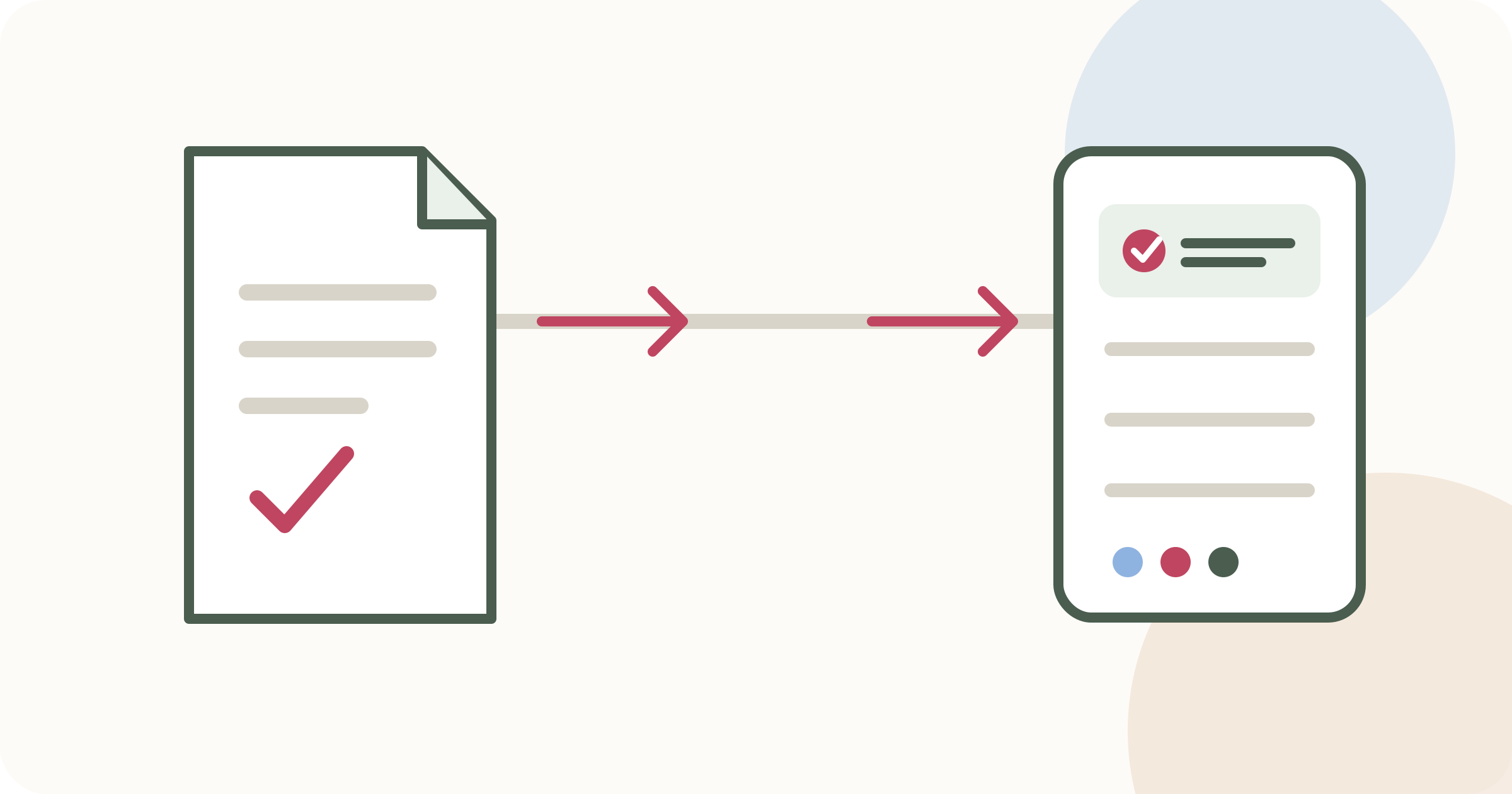
Freelance expense tracking for tax time works when you capture a purchase while its details are easy to check. A freelance expense tracker is a dated list that links each purchase to its source documents and review status. Your card statement can confirm that money left your account. A receipt or invoice can show what the payment covered. Add a short note and a source link so you do not have to piece the story together months later.
This guide gives U.S. freelancers a recordkeeping routine. It does not assess deductions or explain tax filing. The IRS says a business can choose a recordkeeping system suited to it, provided the system clearly shows income and expenses (IRS recordkeeping guidance). You can use a spreadsheet, bookkeeping tool or Notion database, then ask a qualified tax professional how the records apply to your situation.
Key Takeaways
- Keep each expense entry connected to the document that helps explain it.
- Record details while they are easy to verify, rather than waiting until year end.
- Mark missing information so you can resolve it instead of filling gaps from memory.
- Check the IRS record-retention guidance for your situation; periods can differ.
- A tracker organizes information but does not decide tax treatment.
What belongs in a freelance expense record?
A useful entry lets you identify the transaction and find its supporting document. Start with the date, payee, amount, description, payment status and a receipt or invoice reference. Add a project or client only when it helps explain or retrieve the record. This gives each row a clear purpose without turning a simple tracker into an accounting system.
| Record detail | What it helps you check | Example entry |
|---|---|---|
| Date | When the transaction occurred | 8 November 2026 |
| Payee | Who received the payment | Northside Print Shop |
| Amount and currency | What the source shows | $42.80, as shown on receipt |
| Description | What the purchase was | Proof prints for a client draft |
| Payment reference | Where to confirm payment | Business card ending 1234 |
| Supporting document | Where the item is documented | Receipt saved in November folder |
| Status | Whether the record needs follow-up | Receipt linked; details checked |
Use these as recordkeeping prompts. The IRS describes supporting documents such as receipts, paid bills, invoices, account statements and canceled checks (Publication 583). Which documents matter can depend on the expense and your circumstances. Keep the original source material and use a tracker to point back to it.
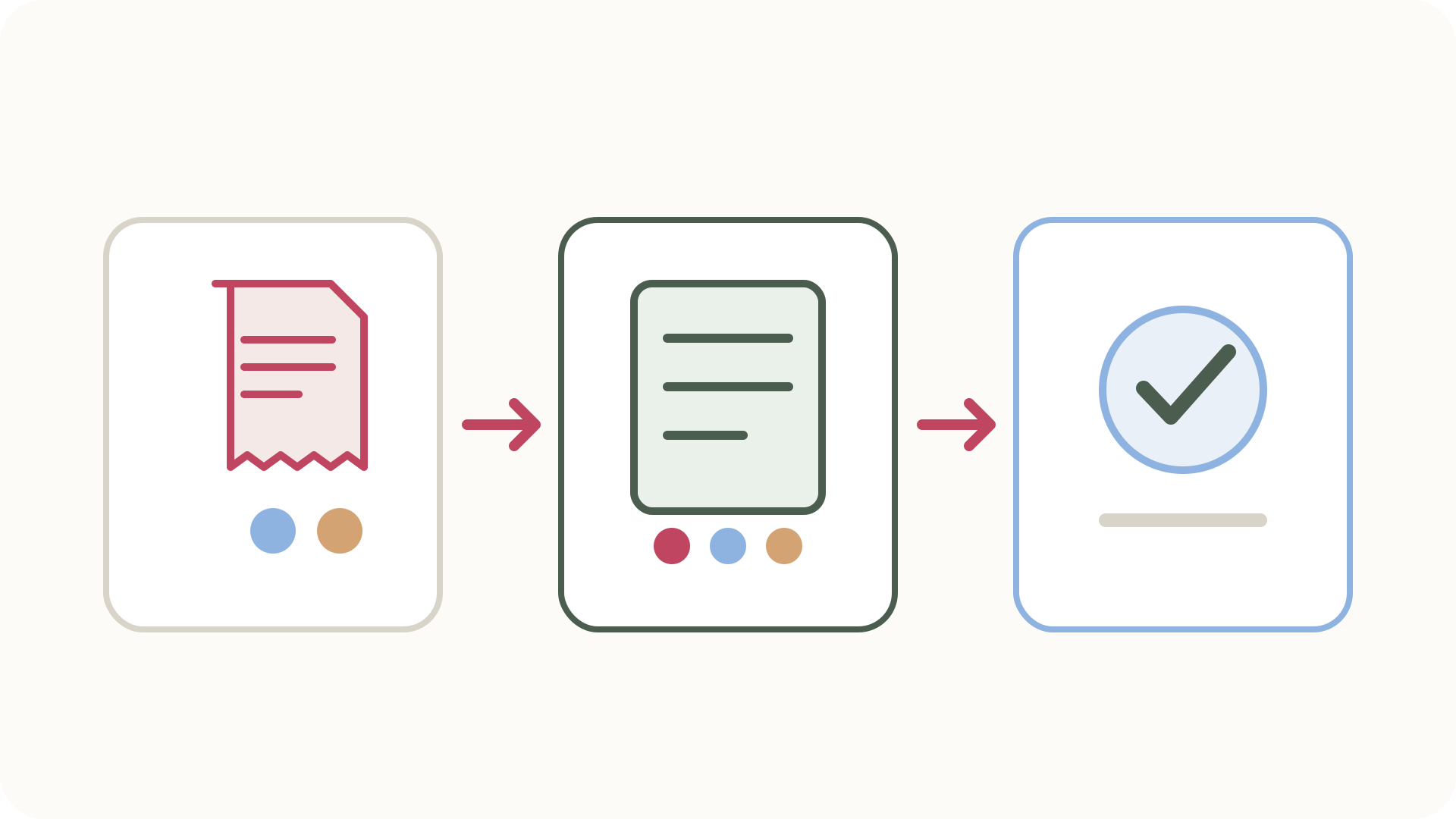
Do not use a description that only makes sense today. “Supplies” may be unclear next spring. A short note such as “printer paper for client proof set” is easier to interpret. If the purpose is not clear from the source, mark the entry for clarification rather than treating your guess as a fact.
How do you capture an expense before details disappear?
Use one capture path and complete the record when the information is fresh. The path can be a bookkeeping app, a spreadsheet, or a folder plus a simple index. The important part is to connect the entry to a source document and make unresolved details visible.
- Save the source. Keep the receipt, paid bill, invoice or other document in a consistent place. Name the file so you can find it by date and payee.
- Add the minimum details. Enter the date, payee, amount, description and payment reference. Copy these from the source rather than relying on memory.
- Link the entry. Add a file link, folder path or short reference that takes you back to the document.
- Mark what is missing. If you have a card line but not the receipt, choose a status such as “needs receipt” and set a next action.
- Check the record. Compare the amount and date against the source. A quick check can catch a typo before it reaches a monthly total.
The record does not need to contain every detail twice. If the receipt already includes the payee and amount, the tracker can point to it and add the context needed to locate or explain the purchase. Keep the source documents in an orderly, backed-up location. IRS Publication 583 discusses recordkeeping systems and supporting documents for businesses.
If you sometimes pay from a personal account, identify the payment source accurately. Do not label it as a business account just to make the list look consistent. A separate payment method may make transactions easier to find, but the tracker should describe what happened, not imply that a purchase has a particular tax result.
How can you review a month without rebuilding it?
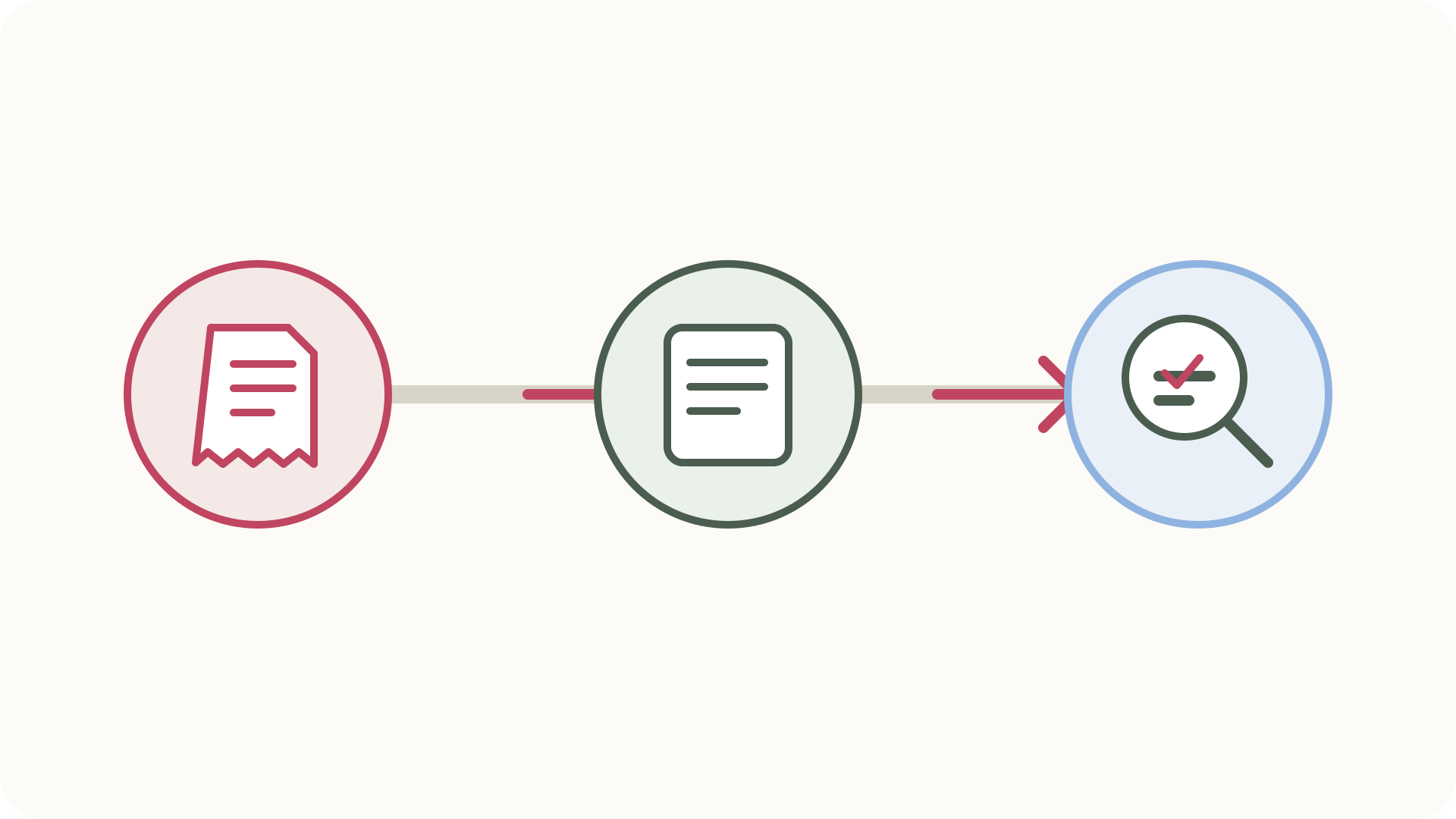
Use a short exception review to find incomplete records. You are looking for entries that need a source, a date check or a clearer description. You are not using this review to decide whether something is deductible or to produce a tax return.
Imagine a freelance designer reviewing a fictional month. The amounts and purchases below are examples only.
| Entry | What is on hand | Follow-up in the tracker |
|---|---|---|
| Design font license, $18 | Email receipt and card line | Link the receipt and confirm the date |
| Client proof prints, $42.80 | Store receipt | Add a short project note |
| Cloud storage, $12 | Card line, receipt missing | Mark “needs source” and check email |
| Desk lamp, $36 | Receipt, personal card | Record the payment source as personal |
| Shipping, $9.40 | Paid invoice | Link the invoice and mark checked |
The example entries have different kinds of supporting information. A card entry alone may confirm a payment but leave the purchase unclear. A receipt may describe an item while a separate account record helps confirm payment. Keep those sources linked when they work together, and leave a clear note when one is still missing.
At month end, filter for “needs source,” blank dates and unclear descriptions. Compare entries with the statements or inboxes you actually use. Resolve what you can from the original sources. For questions that require a tax interpretation, keep the issue visible and take it to a qualified professional rather than making the tracker decide.
What should you do with an incomplete or mixed record?
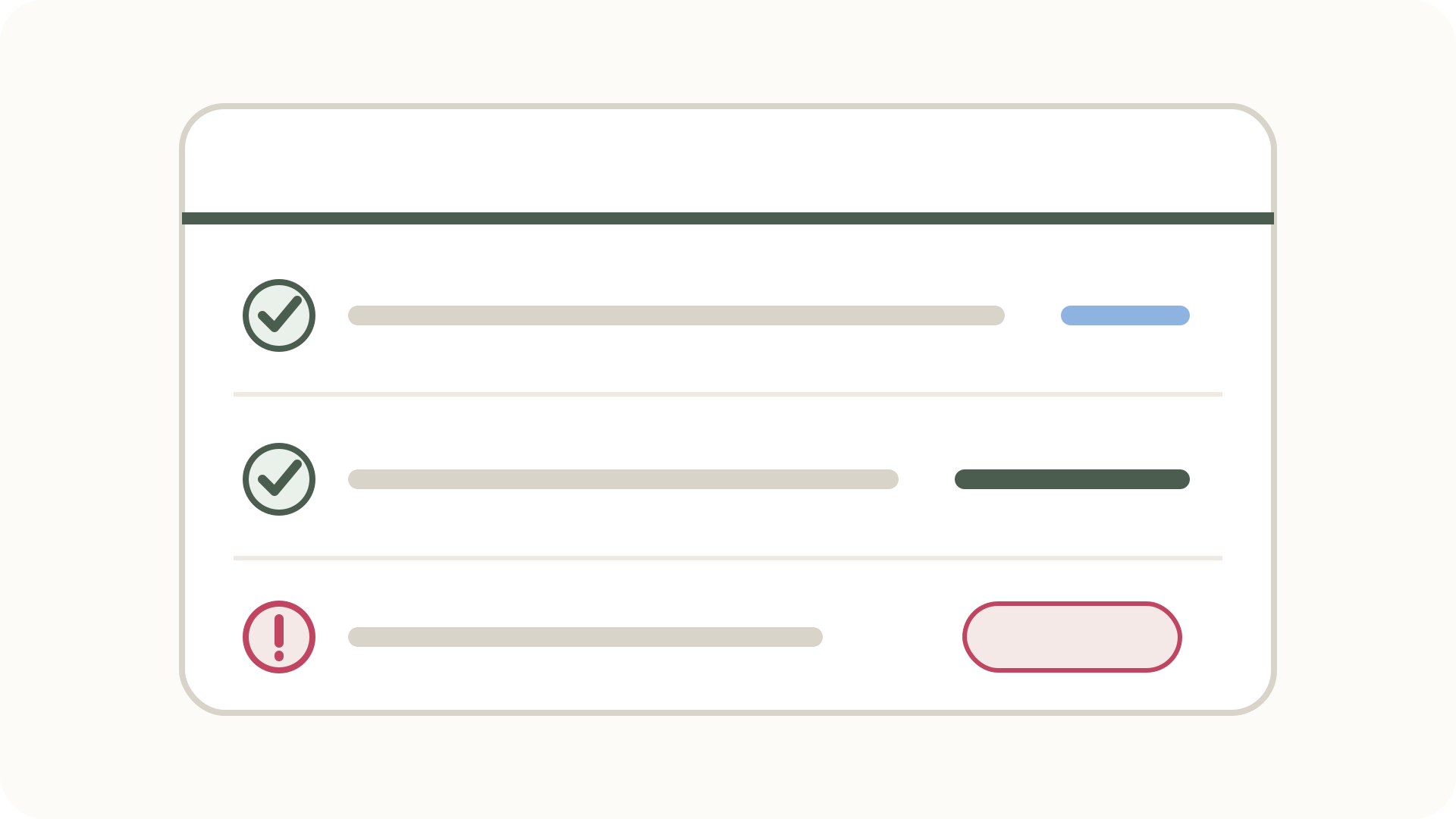
Mark the gap and record only what you can verify. If you cannot find a receipt, check the merchant email, account portal or payment statement. If you paid personally, state that. If the description is vague, add a note based on a reliable source or leave it flagged. Do not invent a business purpose or reconstruct an amount without evidence.
The IRS has guidance on supporting records and how long to keep them. The applicable retention period can depend on the item and circumstances, so use the IRS page for your situation rather than copying a single number into a general-purpose tracker. Keep an unchanged copy of important source documents if your workflow allows it.
Avoid building a category system that answers a tax question you are not qualified to resolve. You can use a neutral description such as “software subscription” and retain the receipt. Ask a tax professional how to classify an item when the answer depends on current rules or your particular work.
What can a Notion or spreadsheet tracker handle?
A tracker can organize entries and make missing records easier to spot. It cannot confirm that a payment happened, verify the document you attach, or determine how a transaction should be reported. Keep the system you use for official records as the source of truth and reconcile the tracker against it.
In Notion, database properties can hold dates, numbers, statuses and URLs, as described in Notion's database properties guide. A small database can show the payee, date, amount, source link and review status. A spreadsheet can do the same with columns and filters. Choose a setup that lets you reach the underlying receipt or statement without searching several unrelated folders. If you want those records beside freelance projects and invoices, a Notion workspace with finance records is one option to compare with the tools you already use.
If you also want to track income, keep that purpose distinct from expense capture. A freelance income tracker template separates billed and received amounts. For a monthly comparison, the freelance profit-tracking guide explains its own planning limits. This article focuses on keeping expense source records findable.
What makes the routine easier to keep?
Reduce the number of places where a receipt can land. Choose one folder or tool, use a consistent file name, and add the entry when you already handle the purchase or receipt. If you cannot complete it then, capture the source and mark the missing field so it appears in your next review.
Use a small set of statuses such as “needs source,” “needs detail” and “checked.” A status should tell you what action remains. Avoid a long list of categories unless those labels serve a specific bookkeeping workflow you already follow.
Keep current IRS guidance close at hand and check how long you should keep records for your situation. If you work outside the United States, use your local tax authority's rules instead.
Why trust this article
Notion Freelancer OS by Cosmo Suite publishes this guide and sells a Notion workspace template for freelance administration. The IRS pages cited here were checked on 17 November 2026. The example is fictional, and this article offers recordkeeping guidance rather than tax advice. See our editorial policy for sourcing and corrections, or contact the publisher with a question.
Where Notion Freelancer OS fits
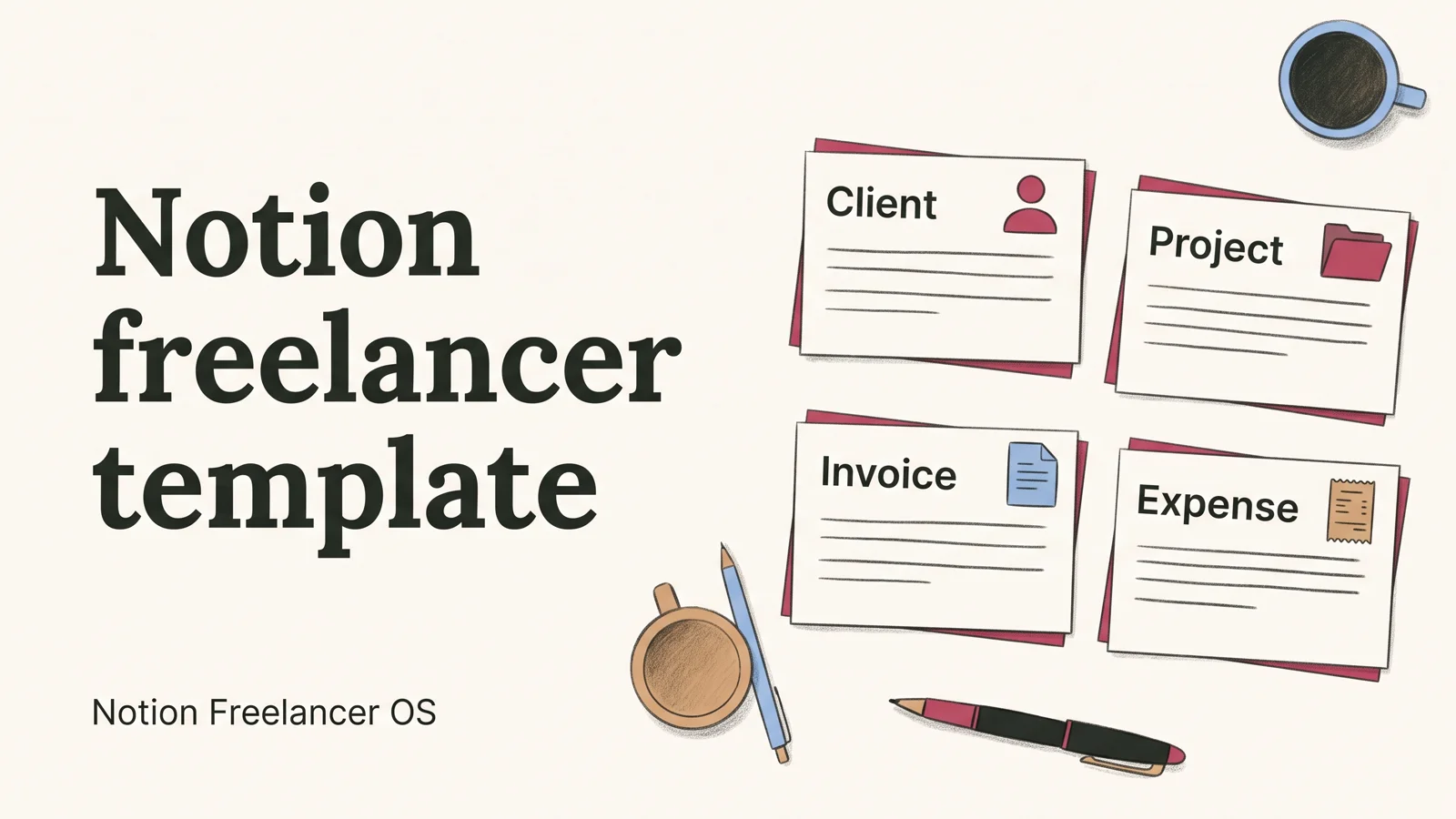
Notion Freelancer OS includes expense and income records alongside client, project and invoice records, according to its listed contents. You maintain those records yourself. A workspace can keep related freelance administration in one place, while receipts, payment evidence, bookkeeping and tax decisions remain in the systems and processes you rely on.
It does not scan receipts, sync bank transactions, verify a purchase or decide tax treatment. Compare the contents with the fields you need before choosing it. If a shared workspace is useful for your workflow, review Notion Freelancer OS and see whether its expense records fit the way you already maintain source documents.
Choose a setup you can keep accurate. Save the source, record what you can verify, flag what is missing, and ask a qualified tax professional when the question goes beyond organization.
Frequently asked questions
What should a freelancer record for each expense?
Keep the date, amount, payee, a short description, payment status and a link or reference to the supporting document. Add a client or project only when it helps you find or explain the entry later. The exact records you need depend on your situation, so check official guidance or ask a qualified tax professional.
Is a bank statement enough to document a freelance expense?
A bank line can help confirm that money left your account, but it may not show what you bought or why. Keep the receipt, invoice or other supporting document with the entry when available, and check the IRS guidance for your situation. This article does not determine whether an expense qualifies for tax treatment.
How often should I update my expense tracker?
Choose a rhythm you can keep, such as capturing an item when you receive its receipt and reviewing open gaps at month end. A regular habit makes it easier to locate source documents than reconstructing a year from email and card statements. Use your own workload to choose the interval.
How long should I keep business expense records?
There is no single retention period for every record. The IRS explains that the period depends on the item and the tax situation. Use its current record-retention guidance and ask a qualified tax professional if you are unsure which rule applies.
Can I track freelance expenses in Notion or a spreadsheet?
Either can organize a record list if you can keep it accurate and connect entries to the documents you rely on. A tracker does not replace your source records, bookkeeping process or tax advice. Choose the simplest setup you will maintain and confirm it meets your needs.
What should I do if I cannot find a receipt?
Do not guess at missing details. Mark the entry as incomplete, check the merchant email or account statement, and note what you can verify. Consult the IRS guidance or a qualified tax professional about what evidence is appropriate for your situation.
Does Notion Freelancer OS decide which expenses are deductible?
No. Notion Freelancer OS includes expense and income records for you to maintain. It does not decide tax treatment, verify a purchase or file a return. Check product contents against your workflow and get tax questions answered by a qualified professional.
Sources
Keep reading

Freelance Admin
Freelance Income Tracker Template: A Simple Monthly Setup
freelance income tracker template: set up a monthly view for invoiced, received and spent amounts, then review cash flow and open invoices in Notion.
· 7 min read
Freelance Admin
Notion Freelancer Template: Choose and Set Up Your Dashboard
notion freelancer template: choose useful client, project and invoice records, set up your dashboard, and build a weekly review you can maintain.
· 9 min read

Freelance Admin
Freelance Proposal and Contract Tracking in Notion
Freelance proposal and contract tracking in Notion: link each offer, decision, signed agreement and next project step without losing the source document.
· 8 min read
